
Código fuente / Templates
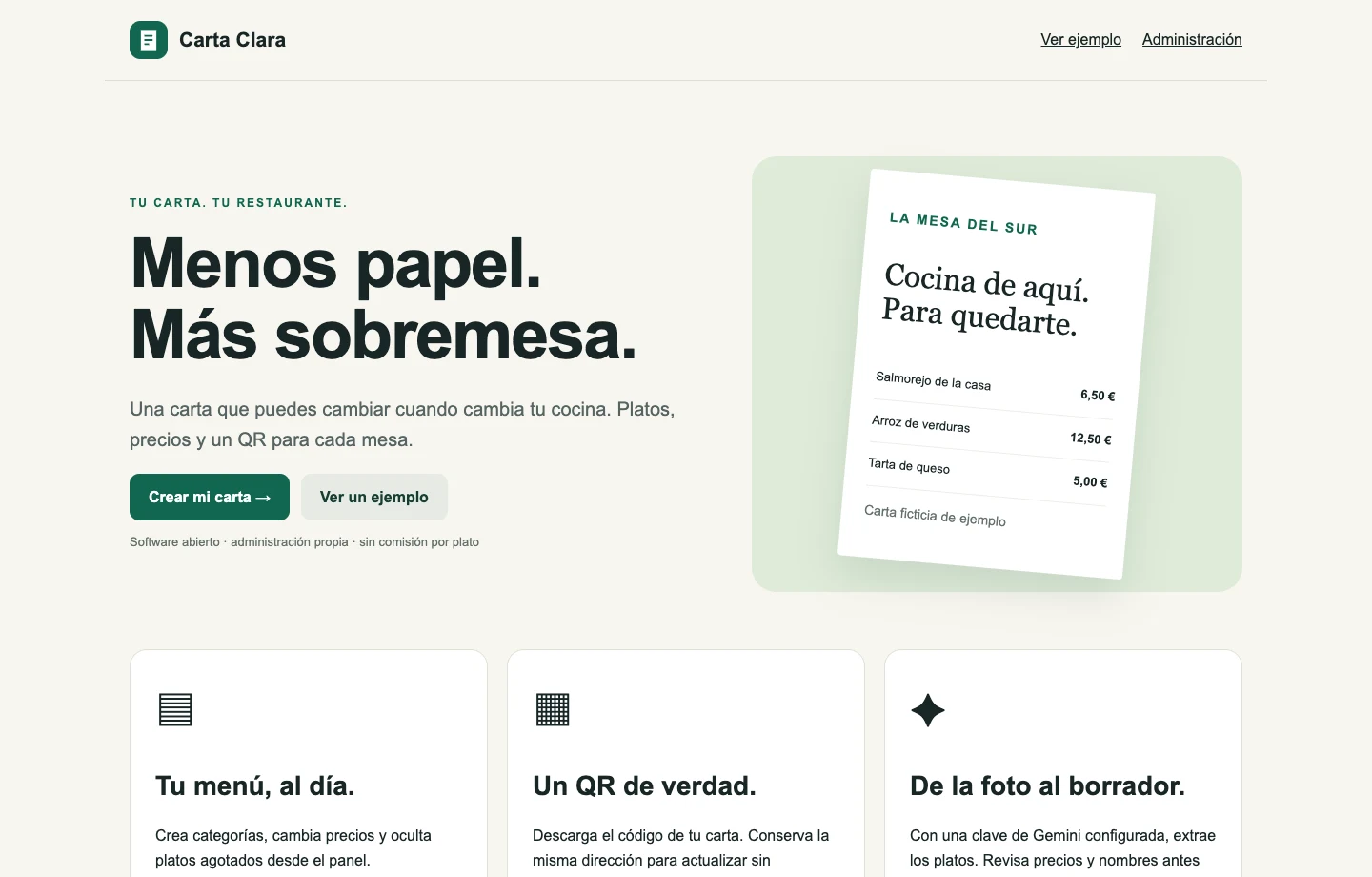
Carta Clara: carta QR, administración y lectura de fotos con Gemini
Una carta QR con panel por restaurante y lectura de fotos mediante Gemini. Código abierto, edición manual y revisión antes de incorporar platos.
Aprende a usar Semantic Kernel en .NET con C#: instalación, configuración con Azure OpenAI y ejemplos prácticos para tu primera app con GPT-4
Semantic Kernel es un SDK open-source de Microsoft que permite integrar modelos de lenguaje de gran tamaño (LLMs) como GPT-4 en aplicaciones .NET. En este tutorial aprenderás a configurar y usar Semantic Kernel para crear aplicaciones inteligentes que pueden comprender y generar lenguaje natural.
Semantic Kernel es un framework ligero que actúa como orquestador entre tu código y servicios de IA. Te permite:
dotnet new console -n MiAppSemanticKernel
cd MiAppSemanticKerneldotnet add package Microsoft.SemanticKernel
dotnet add package Microsoft.Extensions.Logging.ConsoleNecesitarás los siguientes valores de tu recurso Azure OpenAI:
El Kernel es el componente central de Semantic Kernel. Aquí está cómo crearlo:
using Microsoft.SemanticKernel;
using Microsoft.Extensions.Logging;

// Crear el builder del kernel
var builder = Kernel.CreateBuilder();

// Configurar logging (opcional pero recomendado)
builder.Services.AddLogging(c => c.AddConsole().SetMinimumLevel(LogLevel.Information));

// Agregar servicio de chat completion
builder.AddAzureOpenAIChatCompletion(
    deploymentName: "gpt-4",
    endpoint: "https://tu-recurso.openai.azure.com/",
    apiKey: "tu-api-key");

// Construir el kernel
var kernel = builder.Build();Una vez configurado el kernel, puedes hacer tu primera llamada:
using Microsoft.SemanticKernel;
using Microsoft.SemanticKernel.ChatCompletion;

var chatService = kernel.GetRequiredService<IChatCompletionService>();

var chatHistory = new ChatHistory();
chatHistory.AddSystemMessage("Eres un asistente útil que responde de forma concisa.");
chatHistory.AddUserMessage("¿Cuál es la capital de España?");

var response = await chatService.GetChatMessageContentAsync(
    chatHistory,
    kernel: kernel);

Console.WriteLine("Respuesta: {response.Content}"); Semantic Kernel permite crear funciones directamente desde prompts:
string promptTemplate = """
Eres un experto en {{$tema}}.
Explica el siguiente concepto de forma simple: {{$concepto}}
""";

var function = kernel.CreateFunctionFromPrompt(promptTemplate);

var result = await kernel.InvokeAsync(function, new KernelArguments
{
    ["tema"] = "programación",
    ["concepto"] = "recursividad"
});

Console.WriteLine(result.GetValue<string>());Puedes controlar el comportamiento del modelo con PromptExecutionSettings:
using Microsoft.SemanticKernel.Connectors.OpenAI;

var settings = new OpenAIPromptExecutionSettings
{
    Temperature = 0.7,      // Creatividad (0.0 - 1.0)
    MaxTokens = 500,        // Longitud máxima de respuesta
    TopP = 0.9,             // Muestreo nucleus
    FrequencyPenalty = 0.0, // Penalización por repetición
    PresencePenalty = 0.0   // Penalización por temas ya mencionados
};

var response = await chatService.GetChatMessageContentAsync(
    chatHistory,
    settings,
kernel);Es importante manejar errores en aplicaciones de IA:
try
{
    var response = await chatService.GetChatMessageContentAsync(
        chatHistory,
        kernel: kernel);

    Console.WriteLine(response.Content);
}
catch (HttpRequestException ex)
{
    Console.WriteLine("Error de conexión: {ex.Message}");
}
catch (Exception ex)
{
    Console.WriteLine("Error inesperado: {ex.Message}");
} using Microsoft.SemanticKernel;
using Microsoft.SemanticKernel.ChatCompletion;
using Microsoft.Extensions.Logging;
class Program
{
static async Task Main(string[] args)
{
// Configurar kernel
var builder = Kernel.CreateBuilder();
builder.Services.AddLogging(c => c.AddConsole());
builder.AddAzureOpenAIChatCompletion(
deploymentName: "gpt-4",
endpoint: Environment.GetEnvironmentVariable("AZURE_OPENAI_ENDPOINT")!,
apiKey: Environment.GetEnvironmentVariable("AZURE_OPENAI_KEY")!);
var kernel = builder.Build();
// Crear función de resumen
string promptResumen = """
Resume el siguiente texto en 3 puntos clave:
{{$texto}}
""";
var funcionResumen = kernel.CreateFunctionFromPrompt(promptResumen);
// Texto a resumir
string texto = """
Semantic Kernel es un SDK ligero que permite integrar modelos de IA
en aplicaciones .NET. Proporciona abstracciones para trabajar con diferentes
proveedores de IA, gestionar prompts, y orquestar llamadas complejas.
Es especialmente útil para desarrolladores que quieren construir aplicaciones
inteligentes sin reinventar la rueda.
""";
// Invocar función
var resultado = await kernel.InvokeAsync(funcionResumen, new KernelArguments
{
["texto"] = texto
});
Console.WriteLine("Resumen:");
Console.WriteLine(resultado.GetValue<string>());
}
}Nunca hardcodees API keys en el código:
var apiKey = Environment.GetEnvironmentVariable("AZURE_OPENAI_KEY")
?? throw new InvalidOperationException("API key no configurada");var httpClient = new HttpClient
{
Timeout = TimeSpan.FromSeconds(120)
};
builder.AddAzureOpenAIChatCompletion(
deploymentName: "gpt-4",
endpoint: endpoint,
apiKey: apiKey,
httpClient: httpClient);builder.Services.AddLogging(c =>
{
c.AddConsole();
c.SetMinimumLevel(LogLevel.Information);
});if (string.IsNullOrWhiteSpace(userInput))
{
throw new ArgumentException("La entrada no puede estar vacía");
}Ahora que dominas lo básico de Semantic Kernel, puedes:
Semantic Kernel simplifica la integración de IA en aplicaciones .NET. Con los conceptos básicos que has aprendido, estás listo para construir aplicaciones inteligentes que aprovechen el poder de los modelos de lenguaje. En los siguientes tutoriales profundizaremos en técnicas más avanzadas.
Una carta QR con panel por restaurante y lectura de fotos mediante Gemini. Código abierto, edición manual y revisión antes de incorporar platos.

Luca Cantón ha creado LO-E, un hub donde convierte las ideas de videojuegos que le van pasando por la cabeza en siete mundos jugables desde el navegador.
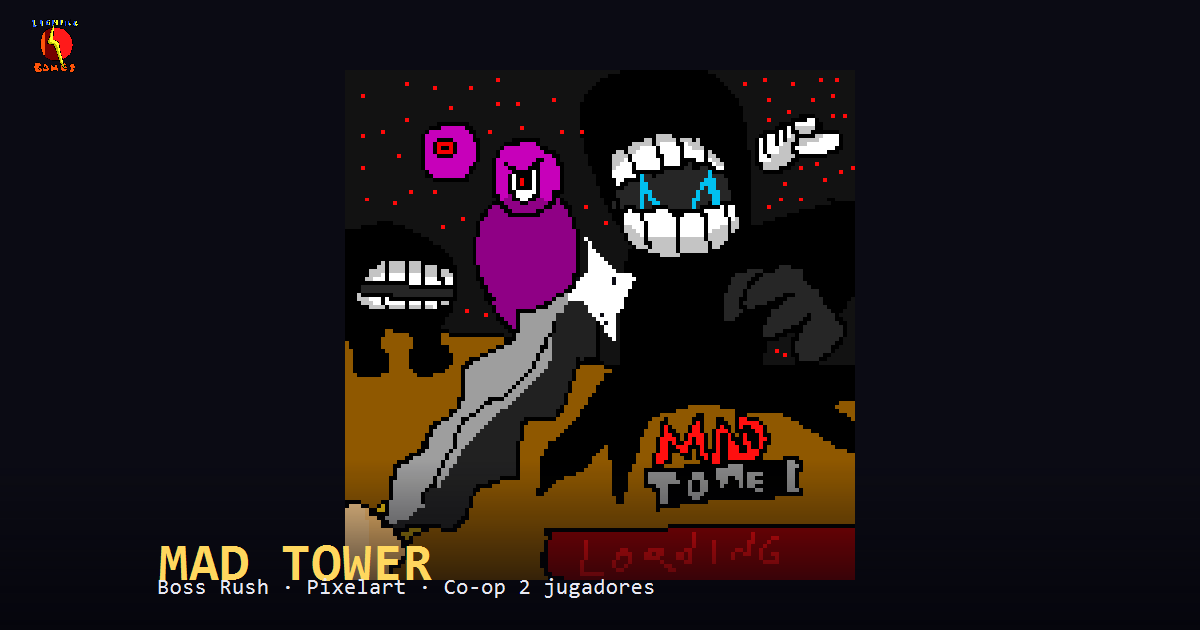
Leo Cantón tiene 14 años y ha convertido el videojuego que llevaba años diseñando en papel en MAD TOWER, un boss rush 2D creado con ayuda de la IA.